ISTE Standards:
Students critically curate a variety of resources using digital tools to construct knowledge, produce creative artifacts and make meaningful learning experiences for themselves and others.
3a. Students plan and employ effective research strategies to locate information and other resources for their intellectual or creative pursuits.
3b. Students evaluate the accuracy, perspective, credibility and relevance of information, media, data or other resources.
3c. Students curate information from digital resources using a variety of tools and methods to create collections of artifacts that demonstrate meaningful connections or conclusions.
3d. Students build knowledge by actively exploring real-world issues and problems, developing ideas and theories and pursuing answers and solutions.

Description: Pictochart is a basic graphic design tool. It is good for making infographics, flyers, promotional media, and presentations.
In a school context it could be used to make: a syllabus, posters/charts for the classroom walls, used as assessment tool for students to demonstrate their knowledge and thinking.
Limitations:
- In order to get all features unlocked, you have to pay a yearly fee.
- Not as accessible as other tools we had explored two weeks ago. (For example, cannot add alt text to images)
- Can only make 5 documents before you need to upgrade to the PRO versions
- Can only save lower quality images in non-pro version
Opportunities:
- Has a sweet timeline feature (great for social studies)
- Also has comparison template (could be great for almost any subject)
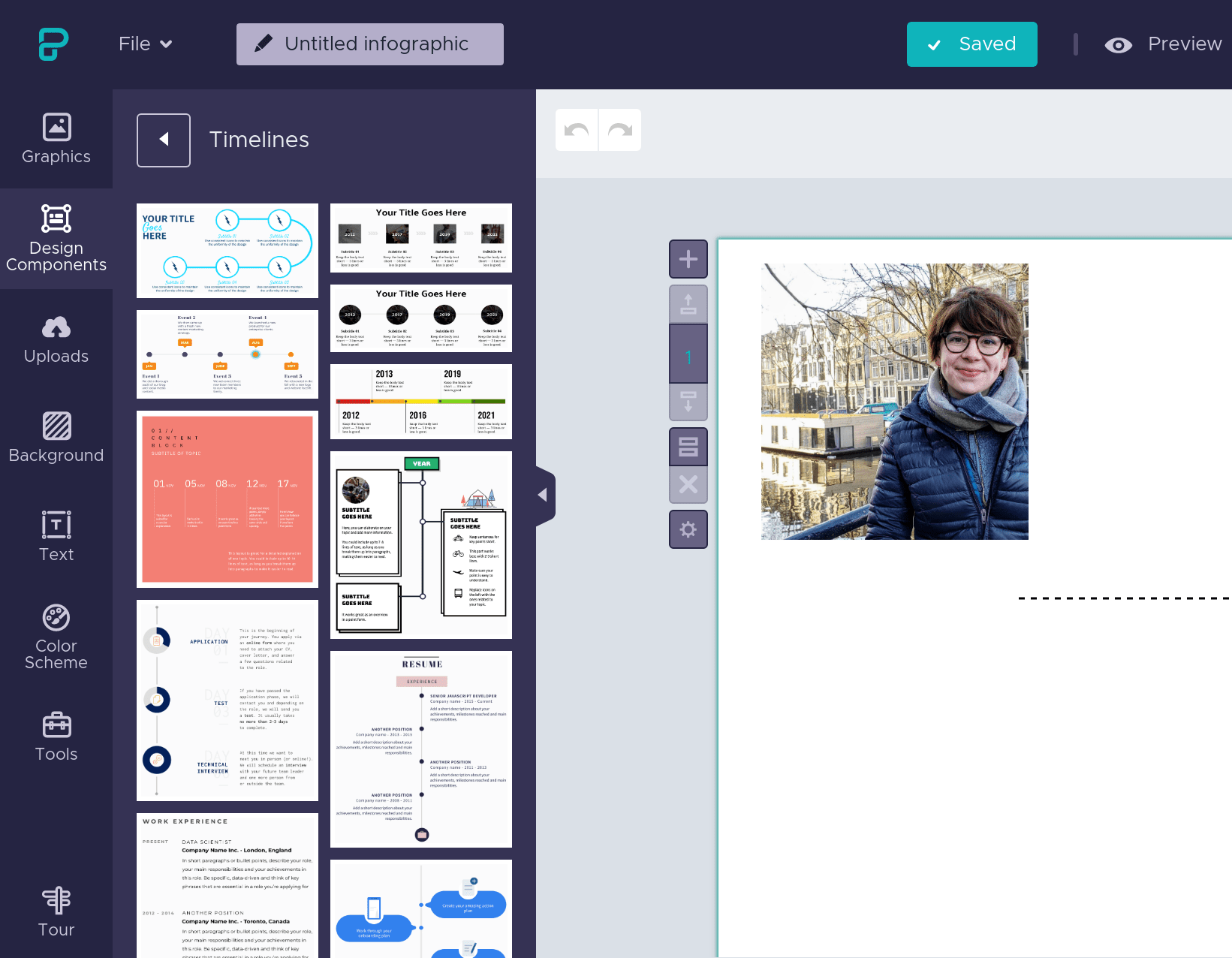
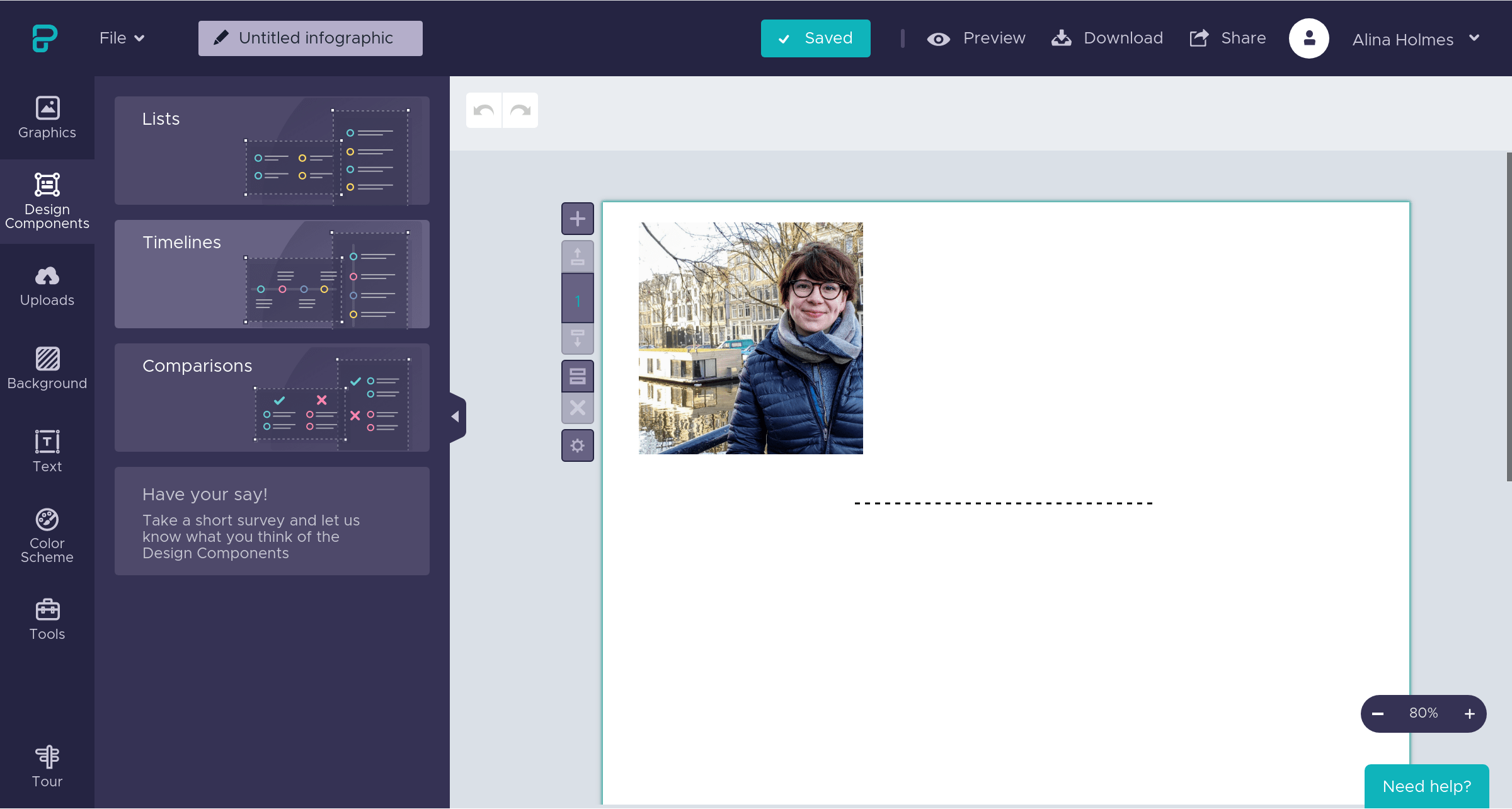
- Great to use to include images for learners and families
- Gives students many ways to express and communicate ideas (color, shape, text, image)
- Uses Upsplash photos (free quality photos) that aren’t copyrighted!
- Students can get inspired by other people’s work.
- Can kinda do some basic “Photoshop” with the masking tool
Reflection
I actually really like this tool. I am going to continue to brainstorm ways I might use it an an art class (I can see very easy applications in social studies, media studies, digital literacy, and science courses). I am having a slightly harder time seeing it used in art classes that have less of a digital focus. I think it is an excellent tool to introduce students to some basic design principles and graphic design and have them produce some very professional products.
 Ali Holmes | Art Educator