ISTE Standard 1: Empowered Learner
Students leverage technology to take an active role in choosing, achieving and demonstrating competency in their learning goals, informed by the learning sciences.
1a. Students articulate and set personal learning goals, develop strategies leveraging technology to achieve them and reflect on the learning process itself to improve learning outcomes.
1b. Students build networks and customize their learning environments in ways that support the learning process.
1c. Students use technology to seek feedback that informs and improves their practice and to demonstrate their learning in a variety of ways.
1d. Students understand the fundamental concepts of technology operations, demonstrate the ability to choose, use and troubleshoot current technologies and are able to transfer their knowledge to explore emerging technologies.

Seesaw is a interactive portfolio tool that integrates different styles of communication. Directions can be delivered orally and by text. Students can respond through text, videos, images. It is also free! It stores students responses in one online portfolio they can access and allows for feedback from peers. Finally, it allows for communication between families too! A drawback is I cannot figure out if there is a way for students to submit their work privately for some assignments.
Assignment 1: Documentation
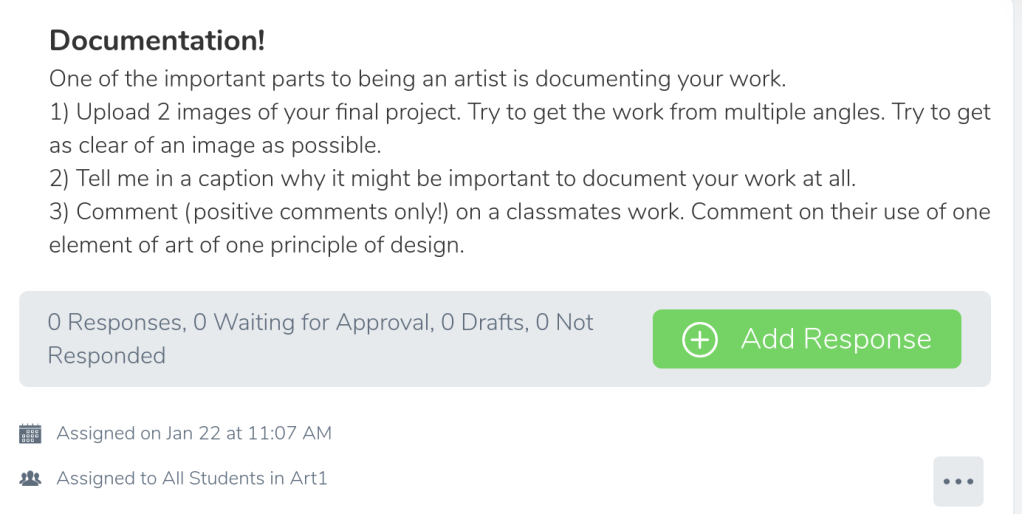
Documentation is always important in art. I want students to get in the habit of documenting their work early on and sharing it. This is a powerful tool because it makes it easy to share schoolwork without violating any rules of FERPA. Using comments starts to provide critique (a key form of assessment in art) but the teacher can control the comments to make sure they are appropriate.
Assignment 2: Blog
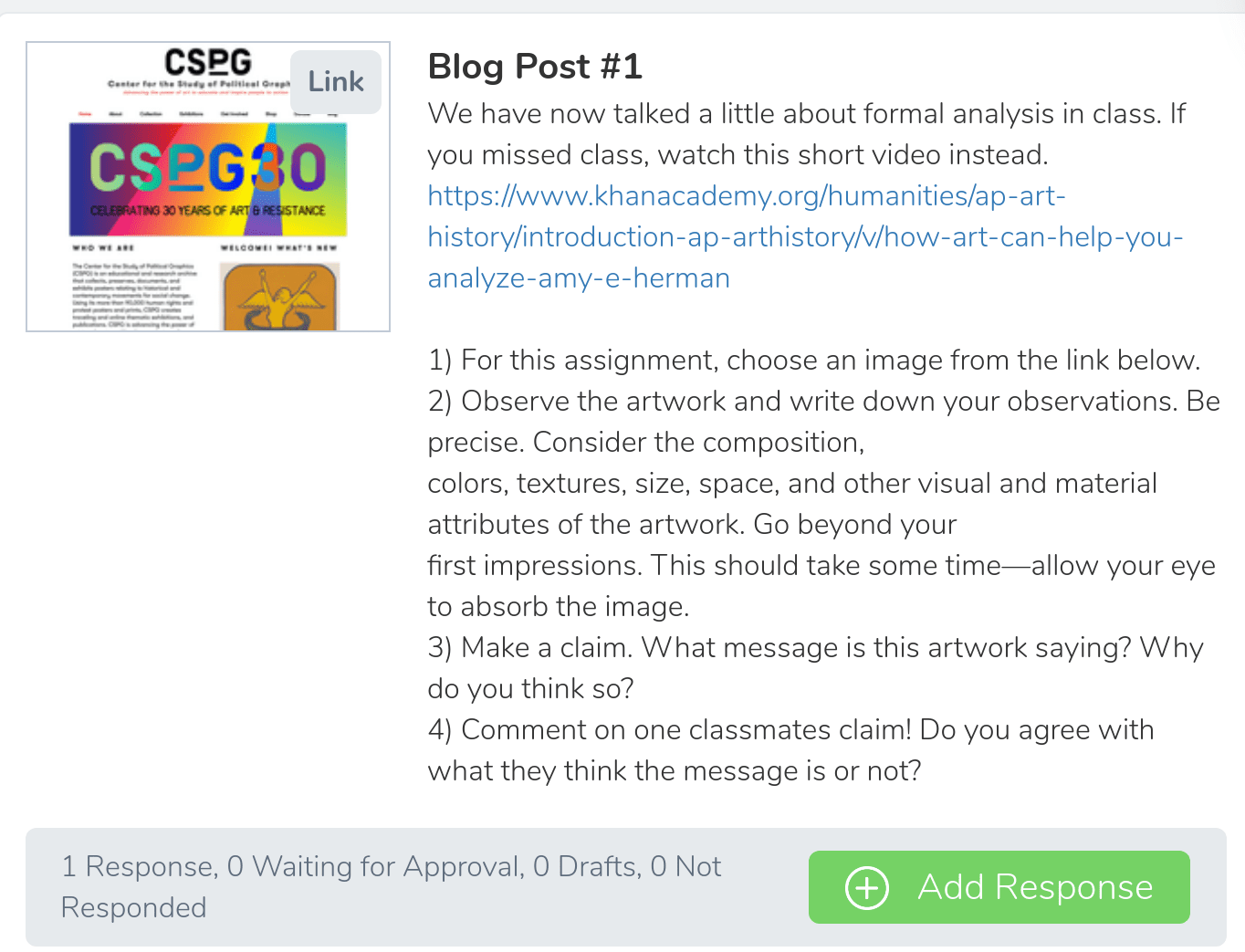
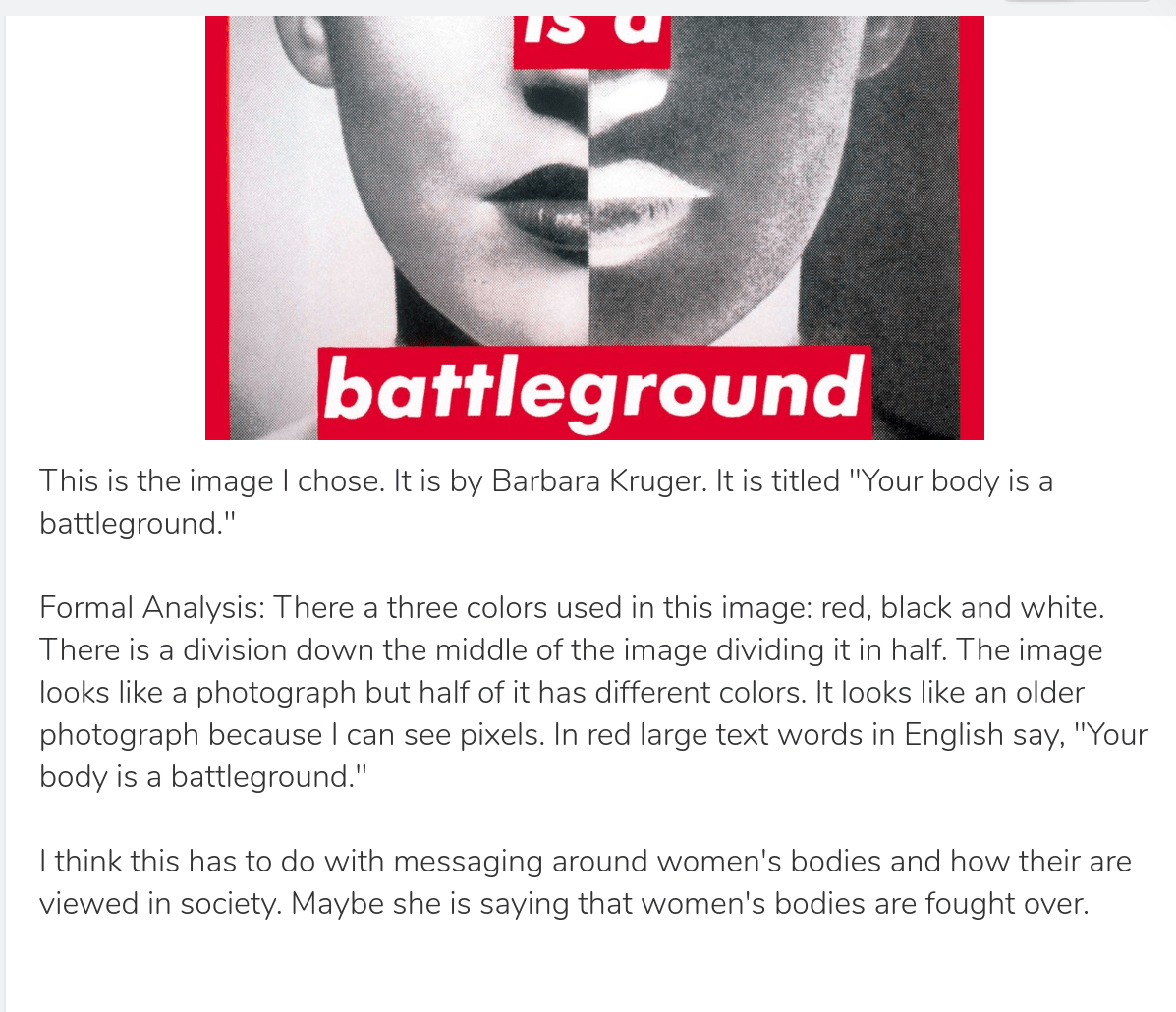

Sample student response
One of my goals is also to expose my students to different kinds of art and media. I want to do this using a blog where they are sourcing and writing about different images they find. Seesaw is a great tool for this because the class feed is presented in a sort of blog-like scrolling format. There is a section where I can connect Seesaw to an outside blogging tool too!
Reflection
I liked using this tool a lot! I think I could also use it to have student potentially takes notes on images because it is fairly easy to draw with. I think that this tool can help fulfill standard 1c because I would like to use it to elicit feedback from peers and to have an online conversation.

